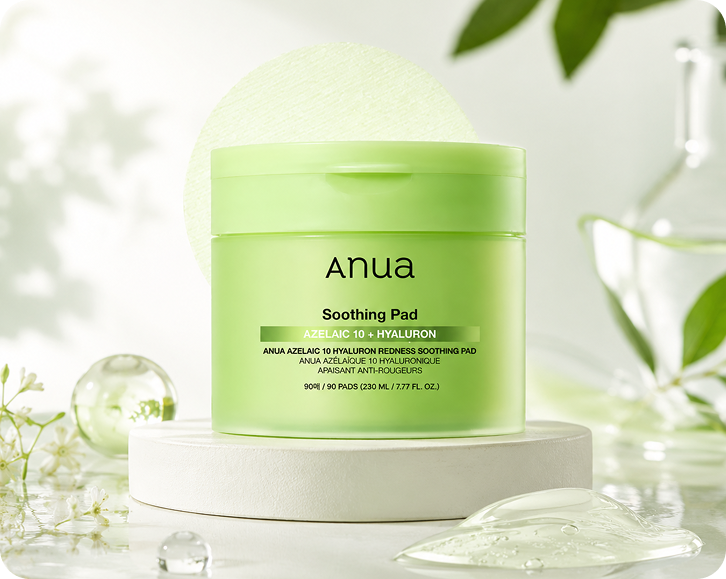
Quick answer
How do you make a product look like it is floating in a photo?
Photographers usually hang the product on fishing line or a stand, then retouch it out later. With Lite Layers, you upload a normal product photo and choose a floating scene, and the product is placed in midair, so you skip the rigging and the editing work entirely.
How it works
Three steps, one free app
- 1
Upload one product photo
Snap your product with your phone on any background. Lite Layers removes the original background automatically.
- 2
Choose your background
Choose this scene style, and Lite Layers places your product in it with matching light and shadows.
- 3
Resize and export
Use smart resize to get the right size and aspect ratio for each platform, then save it.
Popular products
Free background generators for these products
FAQ
Questions
Keep going
Related free tools
- Podium Backgrounds for Product PhotographyPlace your product on clean podiums and pedestals in marble, pastel, stone or concrete. A premium look for beauty, fragrance and skincare listings.
- Marble Backgrounds for Product PhotographySet your product on white, black or veined marble for a clean, luxury feel. Ideal for skincare, perfume, candles and bath products.
- Stone Backgrounds for Product PhotographyPlace your product on natural stone, slate or river rock for an earthy, organic look. Great for skincare, soap, essential oils and men's grooming.
- Wooden Table Backgrounds for Product PhotosPut your product on warm oak, walnut or rustic wood for a cozy, natural feel. Perfect for candles, soap, beard oil and handmade goods.
- Water Splash Product PhotographyAdd fresh water splashes and ripples to skincare, haircare, body wash and fragrance shots. A clean, hydrating look without a wet studio setup.
- Black Background Product PhotographyGive your product a dark, moody, high-end look on black and charcoal backdrops. Popular for fragrance, men's grooming and luxury candles.
- White Background Product PhotosGet a pure white (RGB 255, 255, 255) background that meets Amazon, Walmart and TikTok Shop main image rules. Clean cutouts in seconds.
- Pastel Backgrounds for Product PhotographySoft pink, lilac, mint and peach backdrops for beauty, nail, baby and lip care products. A fresh, aesthetic look that stands out on Instagram.
- Beach Backgrounds for Product PhotographyPlace sunscreen, body mists, tanning oil and summer products on sand, by the pool or in bright sunlight. Seasonal shots without a beach trip.