Quick answer
How do I change the background of a product photo?
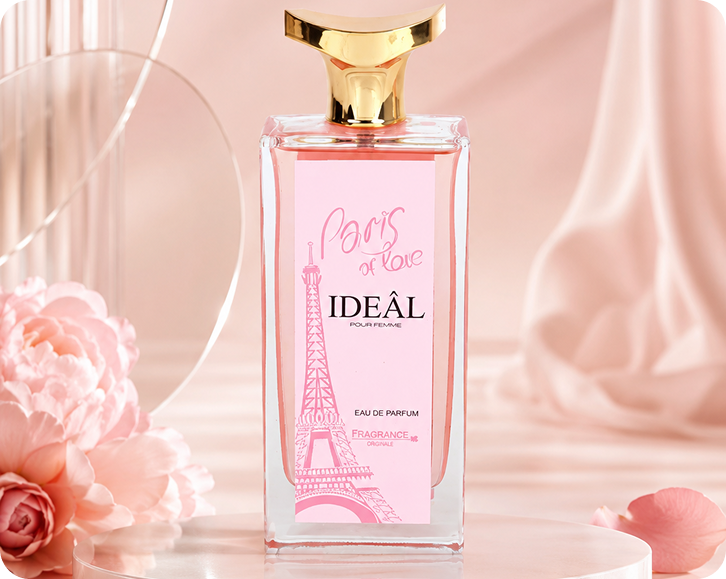
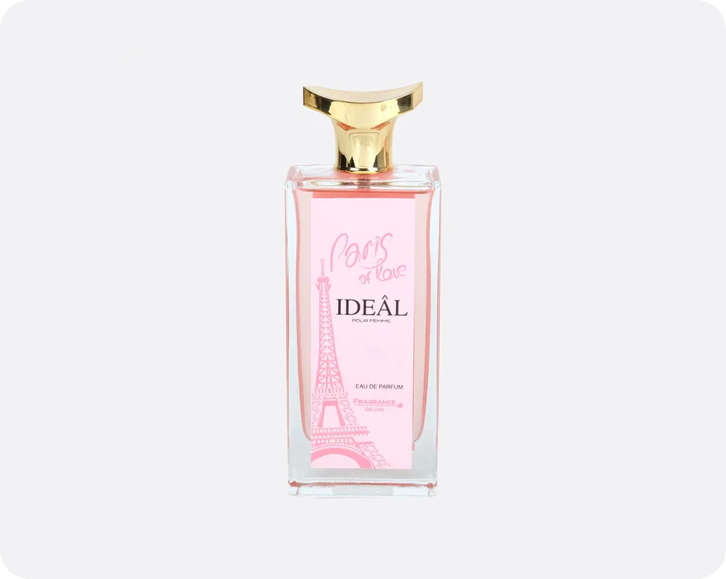
Upload the photo to Lite Layers, let it cut out the product automatically, then choose a new background such as a podium, marble slab, wooden table or pure white. Download the result and add it to your listing. The whole process takes seconds and needs no design skills or editing software.
How it works
Three steps, one free app
- 1
Upload one product photo
Snap your product with your phone on any background. Lite Layers removes the original background automatically.
- 2
Choose your background
Pick a styled scene, pure white or a transparent cutout. Try several looks from the same photo.
- 3
Resize and export
Use smart resize to get the right size and aspect ratio for each platform, then save it.
FAQ
Questions
Keep going
Related free tools
- AI Product Background GeneratorUpload a product photo and get studio-quality backgrounds in seconds. Podium, marble, stone, floating and white scenes for Amazon, Etsy and Shopify.
- Podium Backgrounds for Product PhotographyPlace your product on clean podiums and pedestals in marble, pastel, stone or concrete. A premium look for beauty, fragrance and skincare listings.
- Floating Product PhotographyMake your product look like it is floating in midair, with no strings, stands or retouching. A bold look for perfume, skincare, candles and more.
- Marble Backgrounds for Product PhotographySet your product on white, black or veined marble for a clean, luxury feel. Ideal for skincare, perfume, candles and bath products.
- Stone Backgrounds for Product PhotographyPlace your product on natural stone, slate or river rock for an earthy, organic look. Great for skincare, soap, essential oils and men's grooming.
- Wooden Table Backgrounds for Product PhotosPut your product on warm oak, walnut or rustic wood for a cozy, natural feel. Perfect for candles, soap, beard oil and handmade goods.
- Water Splash Product PhotographyAdd fresh water splashes and ripples to skincare, haircare, body wash and fragrance shots. A clean, hydrating look without a wet studio setup.
- Black Background Product PhotographyGive your product a dark, moody, high-end look on black and charcoal backdrops. Popular for fragrance, men's grooming and luxury candles.
- White Background Product PhotosGet a pure white (RGB 255, 255, 255) background that meets Amazon, Walmart and TikTok Shop main image rules. Clean cutouts in seconds.