Quick answer
How can I change the background of a mascara photo?
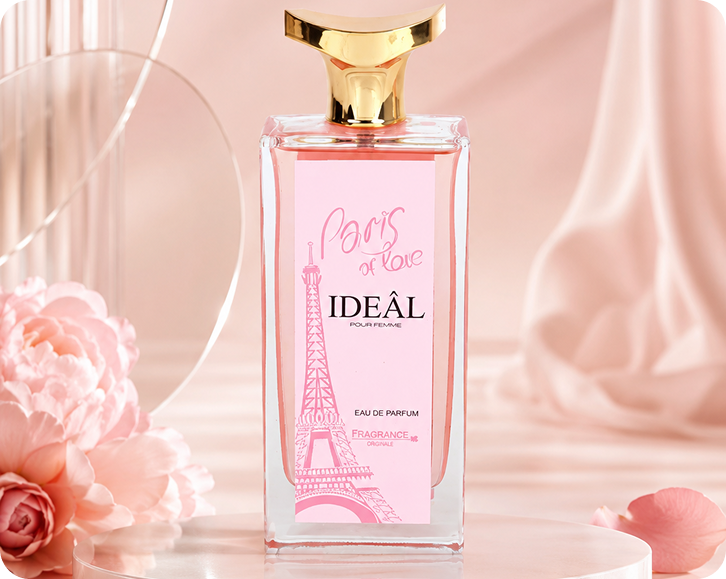
Use an AI background generator like Lite Layers. Upload your mascara photo, let it cut out the tube automatically, then pick a new scene such as floating in air, satin fabric or marble surface. You get a store-ready product image without a studio shoot, props or editing software.
How it works
How to use the free background generator for mascara
- 1
Snap your mascara
Take a clear photo of your mascara on any surface, in any light. Lite Layers cuts it out from the original background automatically.
- 2
Pick a free scene
Choose a scene such as floating or satin fabric, or switch to pure white for Amazon, Walmart and TikTok Shop main images.
- 3
Resize and export
Resize the finished shot for Amazon, Etsy, Shopify, TikTok Shop or Instagram and save it to your phone, ready to upload.
Every format
Works for every kind of mascara
Use the same free mascara background generator for your whole range, so every listing in your store looks consistent.
- Eyeshadow palette
- Single eyeshadow
- Cream eyeshadow
- Liquid eyeshadow
- Eyeshadow stick
- Loose pigment / glitter
- Mascara
- Waterproof mascara
FAQ
Mascara photo questions
Keep going
Backgrounds, platforms and guides
- Floating Product PhotographyMake your product look like it is floating in midair, with no strings, stands or retouching. A bold look for perfume, skincare, candles and more.
- Marble Backgrounds for Product PhotographySet your product on white, black or veined marble for a clean, luxury feel. Ideal for skincare, perfume, candles and bath products.
- TikTok Shop Product ImagesBuild TikTok Shop listings with a square, pure white main image plus scene shots for the other slots. Images must be at least 600 x 600 px.
- White Background Product PhotosGet a pure white (RGB 255, 255, 255) background that meets Amazon, Walmart and TikTok Shop main image rules. Clean cutouts in seconds.
- Product Image Size Guide for Every PlatformOne chart for Amazon, Shopify, Etsy, eBay, Walmart, TikTok Shop, Instagram, Pinterest and Google Shopping image sizes and background rules.