Quick answer
What is the difference between a product mockup and a product photo?
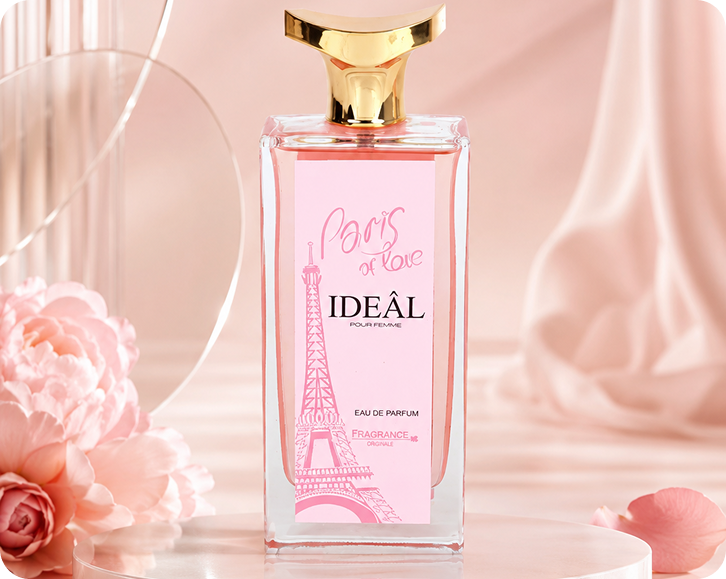
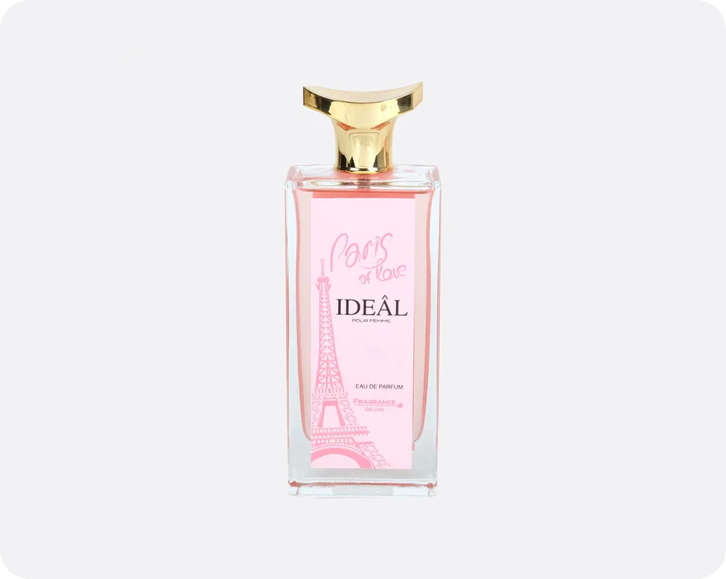
A mockup places a design or label on a template, while a product photo shows the real item. Lite Layers works from your real product photo and changes only the scene, so the result stays accurate for store listings, ads and social posts where shoppers expect to see exactly what they will receive.
How it works
Three steps, one free app
- 1
Upload one product photo
Snap your product with your phone on any background. Lite Layers removes the original background automatically.
- 2
Choose your background
Pick a styled scene, pure white or a transparent cutout. Try several looks from the same photo.
- 3
Resize and export
Use smart resize to get the right size and aspect ratio for each platform, then save it.
Every product
Free background generators by product
Fragrance
Skincare
Sun Care & Tanning
Lip Care
Makeup
Nail Care
Hair Care
Body Care
Feminine Care
Personal Care Disposables
Traditional & Regional Beauty
Men's Grooming
Oral Care
Candles & Home Fragrance
Household Cleaning
Baby & Kids Care
FAQ
Questions
Keep going
Related free tools
- Podium Backgrounds for Product PhotographyPlace your product on clean podiums and pedestals in marble, pastel, stone or concrete. A premium look for beauty, fragrance and skincare listings.
- AI Product Background GeneratorUpload a product photo and get studio-quality backgrounds in seconds. Podium, marble, stone, floating and white scenes for Amazon, Etsy and Shopify.
- Change the Background of Any Product PhotoReplace the background of any product photo with a clean studio scene. Try podium, stone, wood and floating setups, or pure white for marketplaces.
- Remove the Background From Product PhotosCut out your product cleanly, then keep it transparent, set it on pure white for Amazon, or place it in a styled scene. Built for online sellers.
- AI Product Photography for Online SellersSkip the studio. Turn one product photo into polished shots on podium, stone, wood or floating scenes for Amazon, Etsy, Shopify and TikTok Shop.
- Lifestyle Product Photo GeneratorTurn plain product shots into lifestyle images on bathroom shelves, kitchen counters, vanities and cozy living rooms. No props or photoshoot needed.